Your Browser's Secure Short-Term Memory

A clipboard manager built for speed, privacy, and control. An open-source, local-first extension that acts as your browser's short-term memory.

Zero-knowledge design — even we cannot access your data

> Note: 100% Local Storage. Your clipboard history, .env keys, and passwords never leave your machine. No servers. No telemetry.
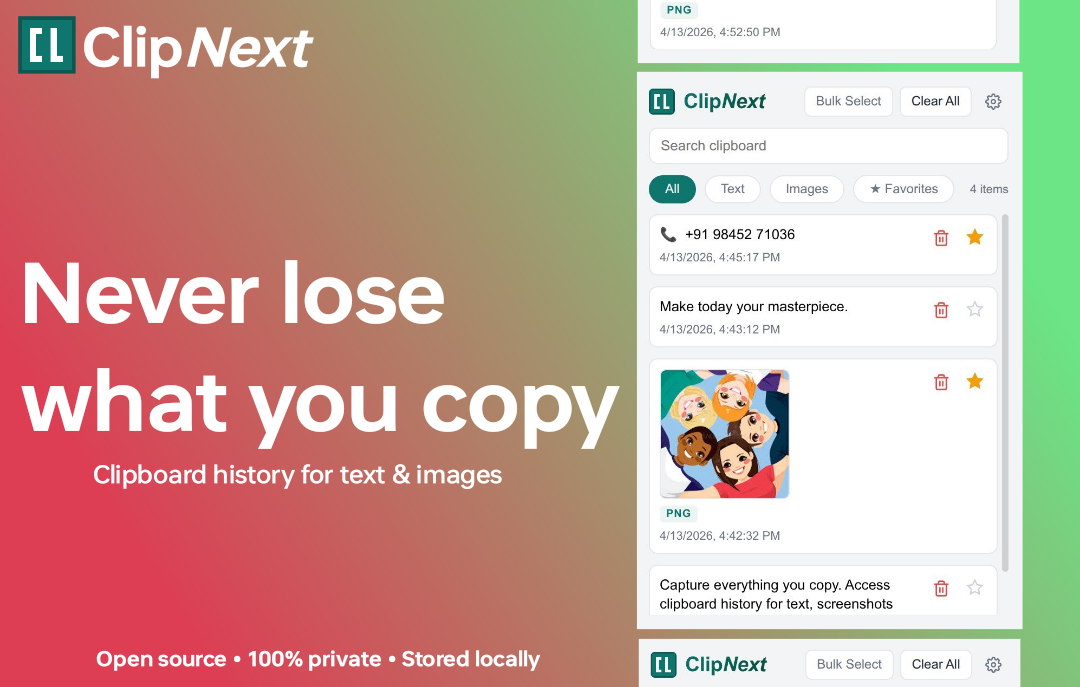
ClipNext UI showing saved clipboard items

Infinite History & Favorites

Never let another snippet slip away. ClipNext silently logs an endless history of your copied text, links, and code. Got crucial API keys, passwords, or frequently used URLs? Pin them to the immortal Favorites tier so they bypass automated cleanups and remain instantly accessible forever.
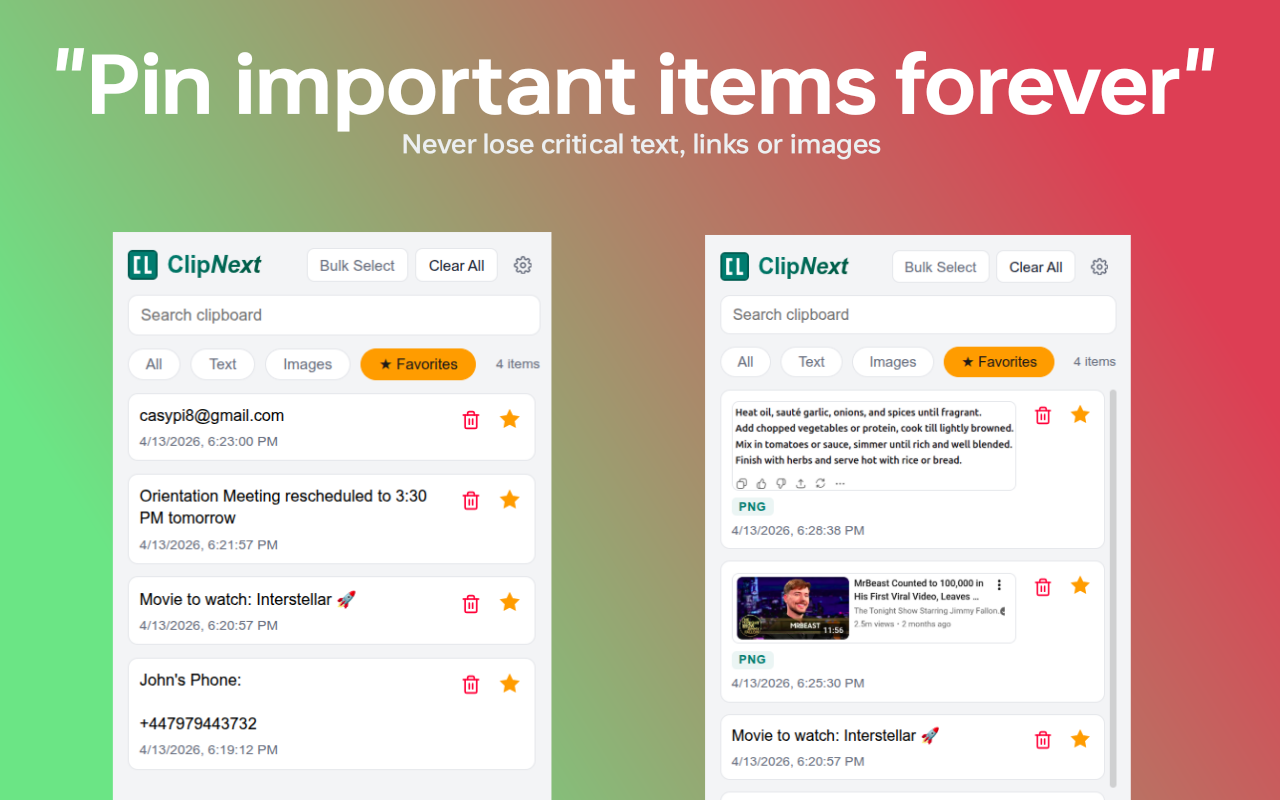
Clipboard history list

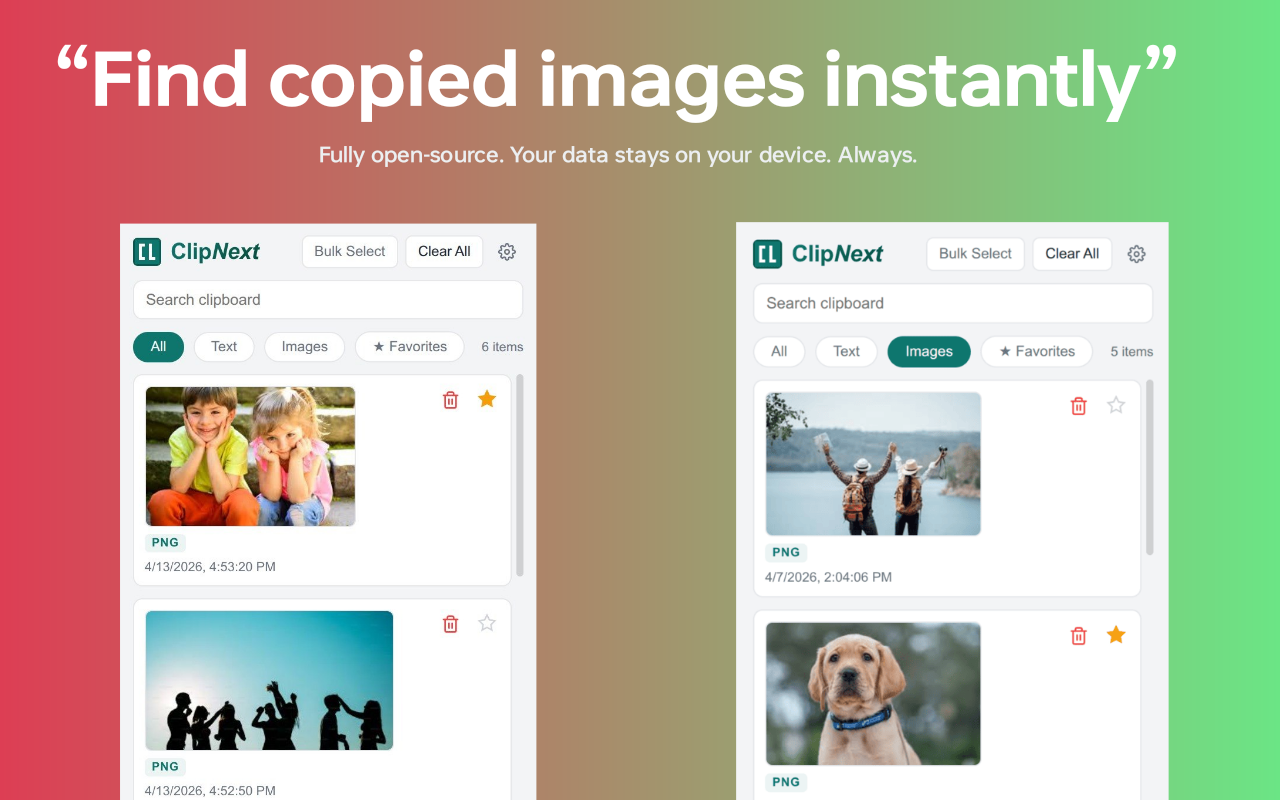
Image & Screenshot Support

Keep your visual workflow uninterrupted. Instantly access, preview, and paste your recently copied images and screenshots directly from your browser. Skip the friction of digging through your OS file explorer or cluttered downloads folder just to share visual reference material.

Image support in clipboard

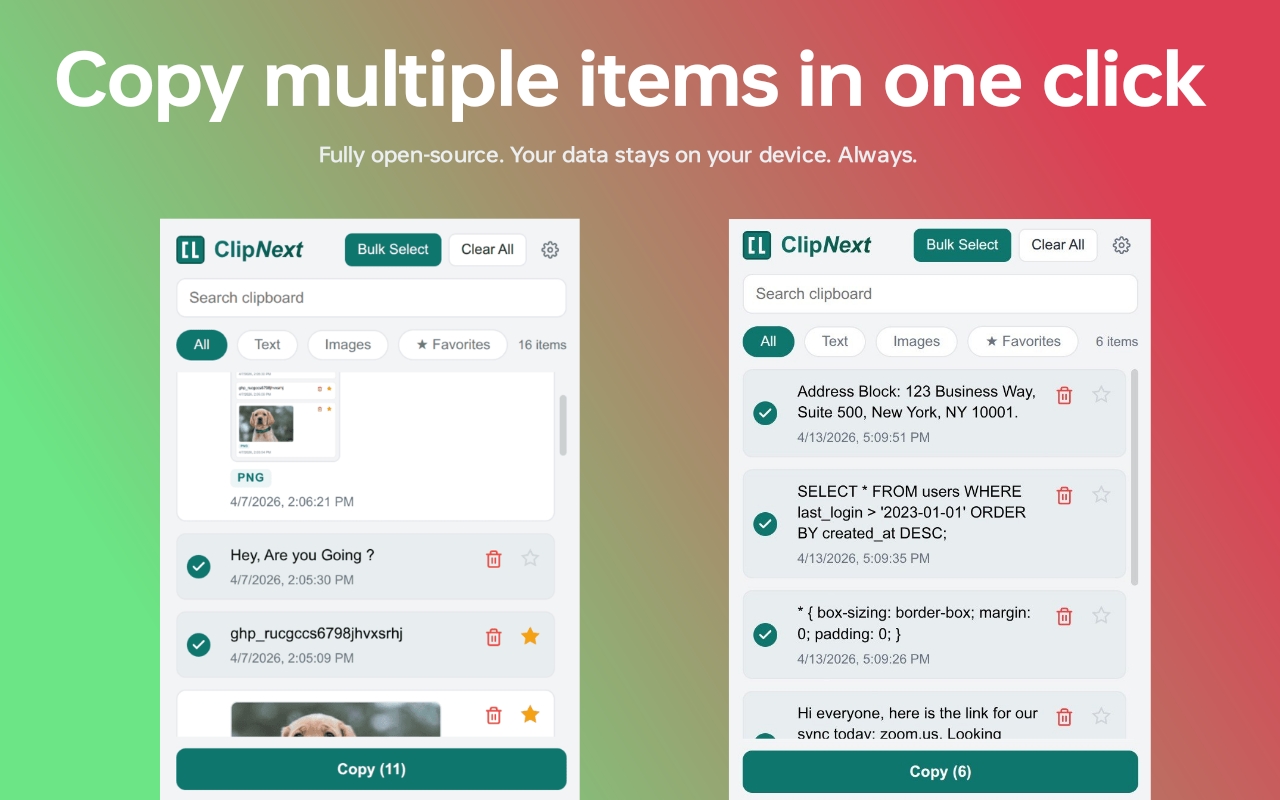
Bulk Export

Manage bulk data effortlessly. Stop constantly switching tabs to move information one piece at a time. Whether you are compiling research or gathering code snippets, simply select multiple text items from your history and extract them all at once with a single click.

Bulk selection UI

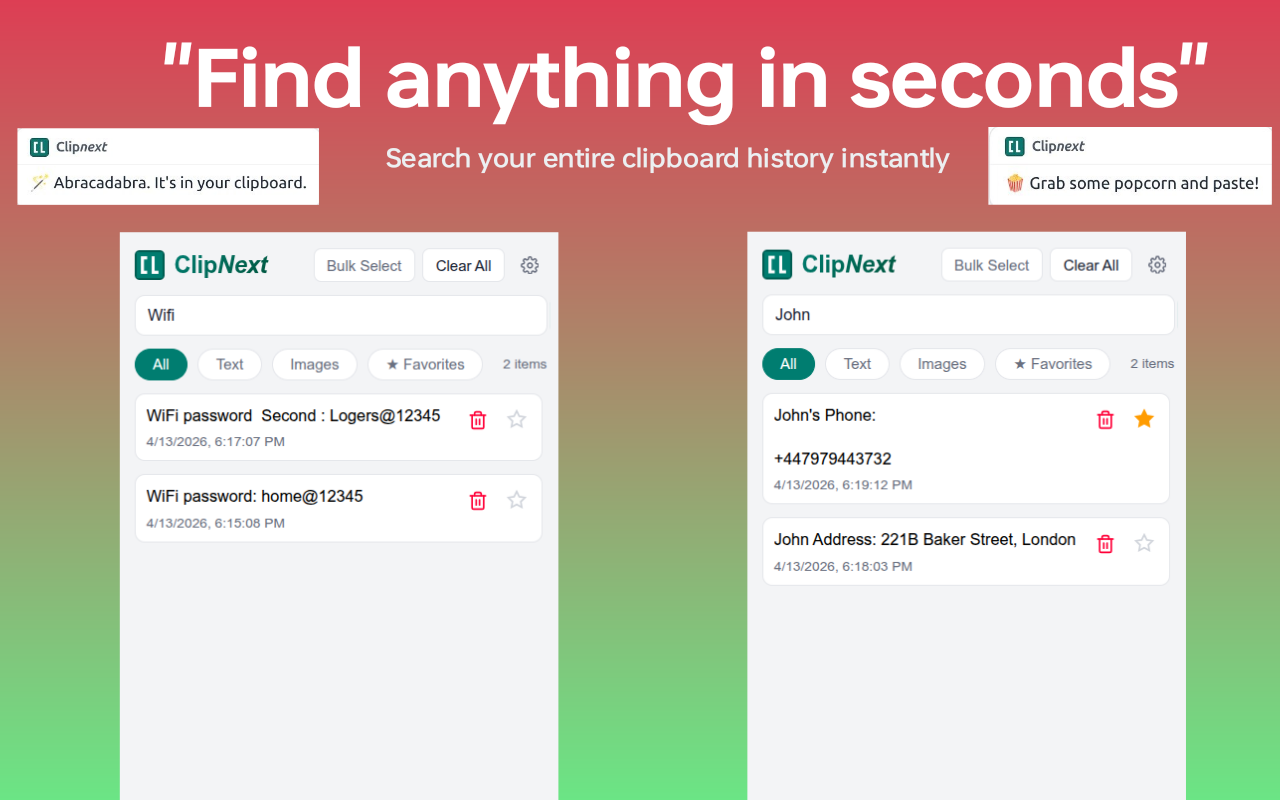
Smart Search

Laser-focused retrieval. Don't let a massive clipboard history slow you down. Use the lightning-fast smart search to instantly filter through thousands of saved items and pinpoint the exact string of text, .env variable, or link you need in milliseconds.

Search filter UI

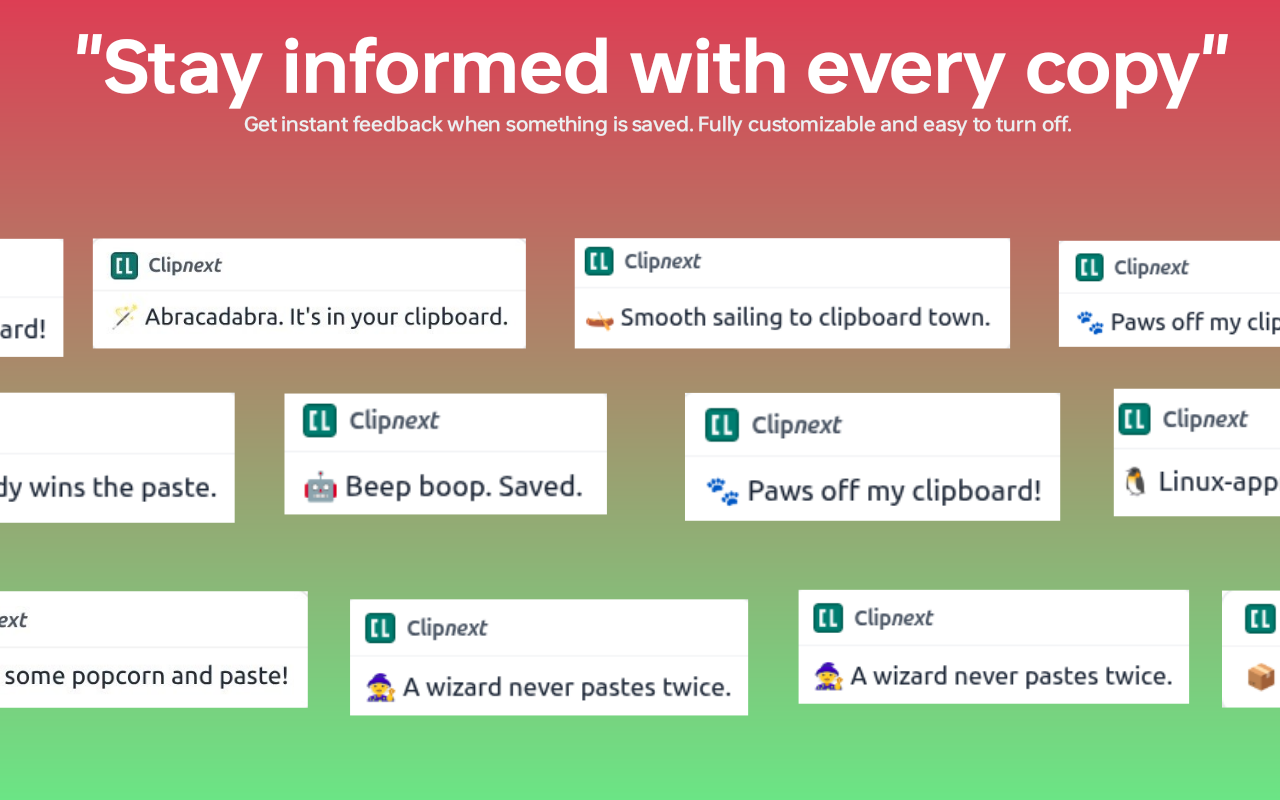
Smart Notifications

Get subtle, non-intrusive alerts confirming your snippet is securely stored. Stay confident your data is captured without breaking your workflow focus.

Smart notification UI toast

100% open-source. Free forever. No hidden tracking.